> For the complete documentation index, see [llms.txt](https://superb-1.gitbook.io/superb/llms.txt). Markdown versions of documentation pages are available by appending `.md` to page URLs; this page is available as [Markdown](https://superb-1.gitbook.io/superb/introduction/myhome.md).
# MyHome
## What is it?
***
MyHome is a content where you can decorate your personal space to your liking. You can own multiple spaces but only one of them can be active at a time.
**How to access**
***
You can access MyHome menu by pressing 'ESC' and clicking the MyHome button. From the menu, you can view and set different settings.
## **Menu settings**
***
You can set notice message and access setting from the menu.
**Purchase**
***
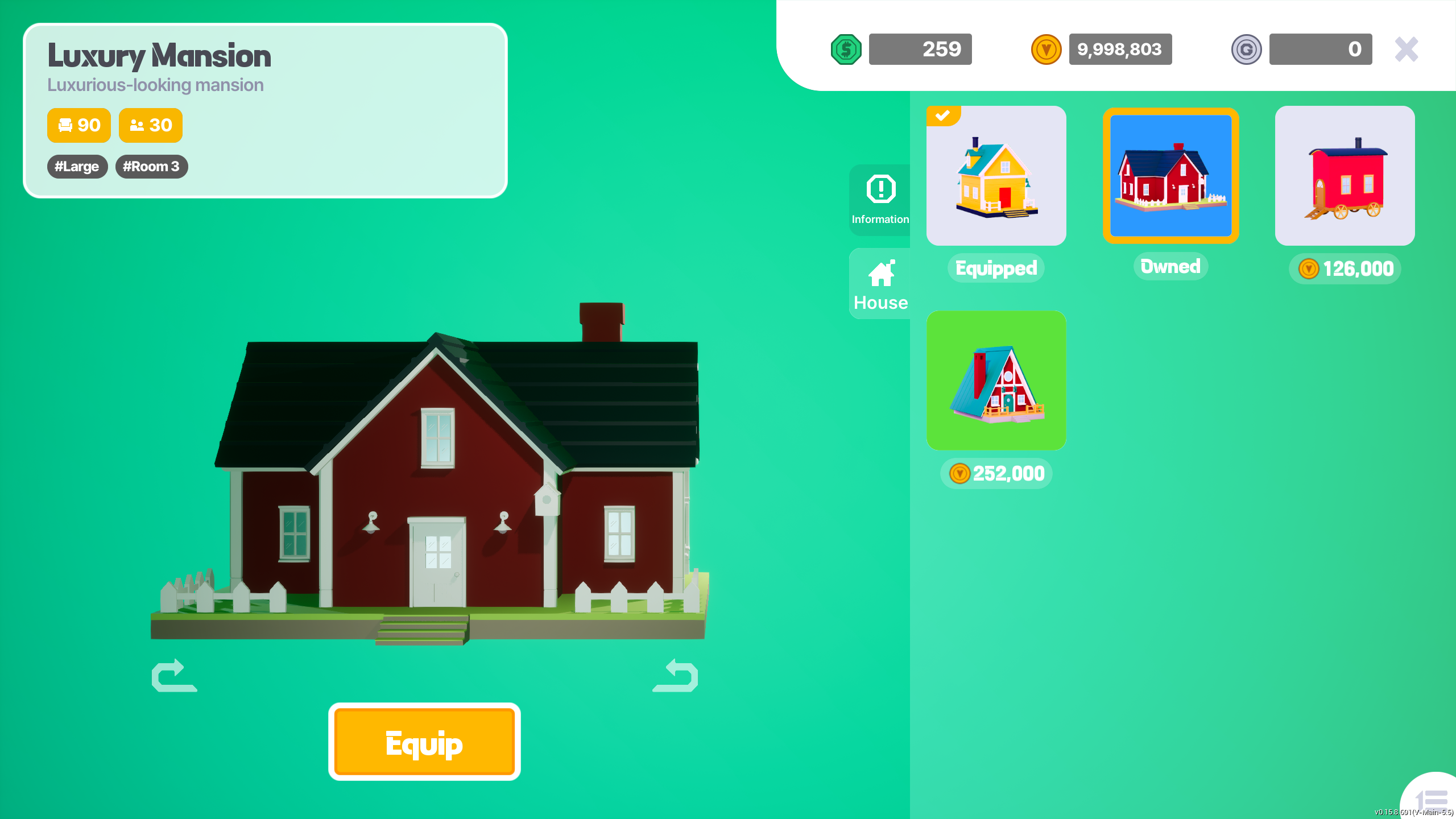
You can purchase and manage your MyHome space byp ressing the House tab. In order to activate a MyHome space, you have to equip it.
**Visiting**
***
You can visit your active MyHome by pressing the 'Enter' button.
**Inside MyHome**
***
Your notice message will be displayed on the screen as you arrive in your MyHome space.
**Edit MyHome**
***
You can edit your MyHome space by pressing 'T' to enter edit mode.
**Purchase furniture**
***
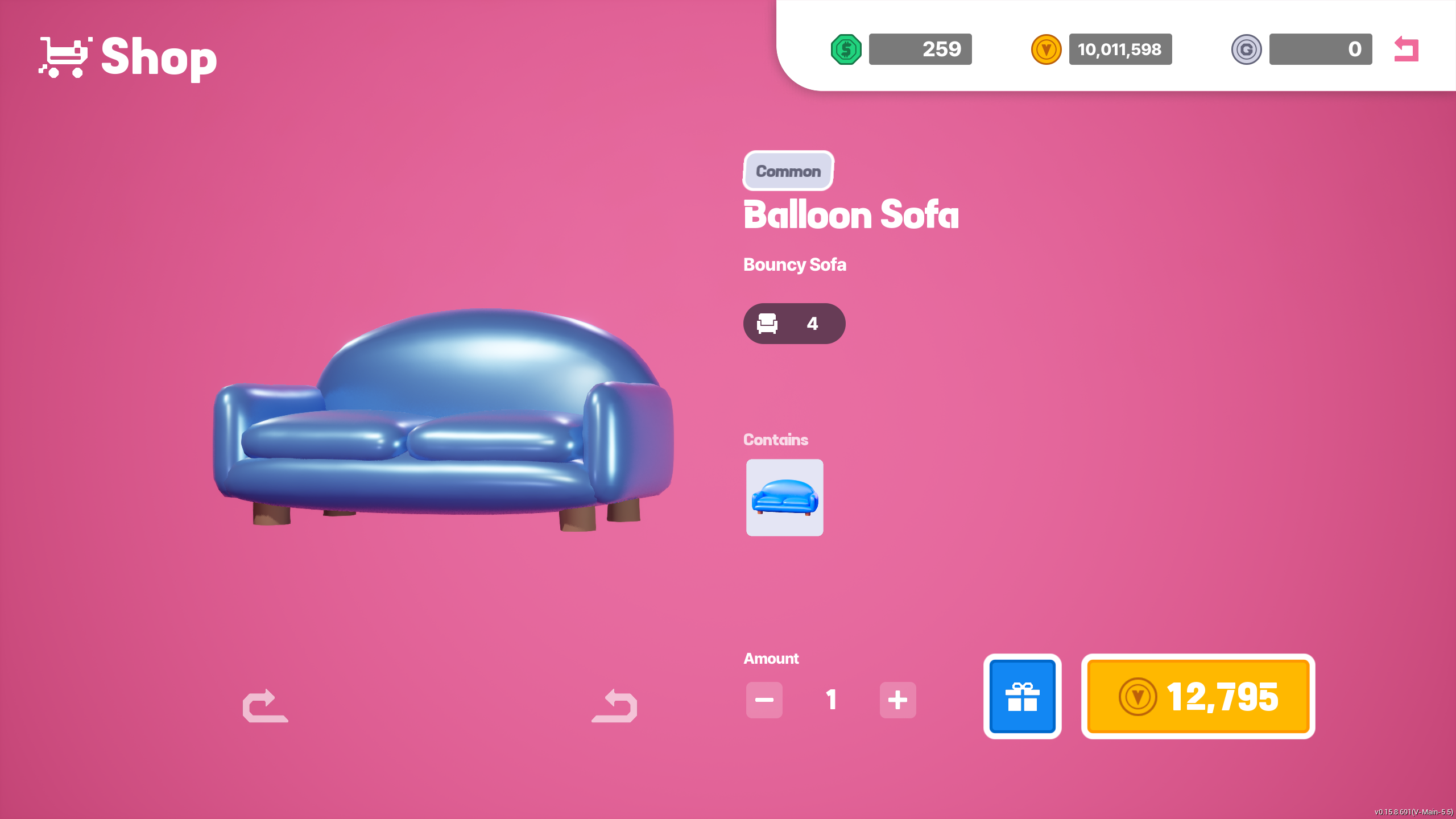
You can purchase furnitures by pressing '3' while in edit mode.
**Install furniture**
***
You can install furnitures by pressing '2' while in edit mode. Select a furniture and install it by pressing Left Mouse button. Please note that there will be a limit as to how many furnitures can be installed.
**Manage furniture**
***
you can manage installed furnitures by clicking the 'Installed' tab.
**Re-arrange furniture**
***
you can re-arrange furniture by pressing '1' while in edit mode.
## Cost management
***
The house that a player is using has maximum cost to it which can be viewed from the My Home menu & while installing furnitures. Look for the 'Sofa' icon from the info.
A furniture's cost can be found while purchasing & installing.
One cannot exceed the maximum cost of the house so keep that in mind while decorating the space.
**MyHome option**
***
You can manage options such as Access settings, main light color/brightness, visitor by pressing the gear button on the top left corner.
**Set MyHome image**
***
You can access Photo mode by pressing 'ESC' and clicking the Photo mode button. Once you snap a photo, you will be prompted whether to set this photo as your MyHome image or not.
**Leaving MyHome**
***
You can return to the lobby by pressing 'ESC' and clicking the Lobby button.
**Visit a friend's MyHome**
***
You can visit other player's MyHome by pressing 'ESC' and clicking Friends button. When the Friends menu is visible, find the player you want to visit and click the profile image. From the profile page, press the Visit button. You can also visit other player's on the friends list by pressing the MyHome button.
## **Controls**
***
you can view the control guide by holding 'F1'.
***
For detailed instructions, refer to the YouTube tutorial below.\\
\[[YouTube Link](https://youtu.be/gJ-yjtisvEc?si=NPXhUqKNXFsAKe49)]
{% embed url="" %}